


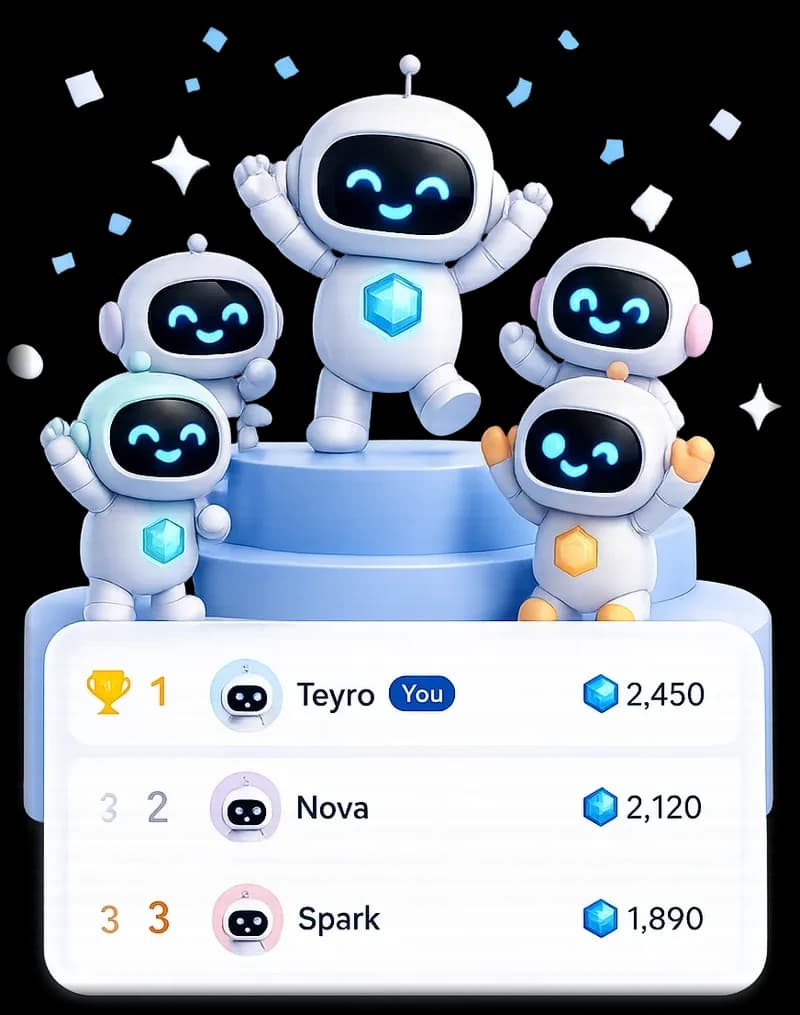
In the 21st-century digital economy, ICT skills (Information and Communications Technology) are as essential as reading and writing. Whether you are a student preparing for CBSE Class 10 Employability Skills exams or a professional navigating cloud software tools at work, having strong ICT capabilities is your foundation for digital competence. With gamified micro-learning platforms like Teyro, you can master practical computer literacy, spreadsheet modeling, and cloud workflows in just 15 minutes of daily practice.
ICT skills empower you to navigate digital networks safely, communicate across digital channels, and automate repetitive tasks with software.
Direct Answer: The 4 Core Domains of ICT Skills
┌─────────────────────────────────────────────────────────────┐
│                 THE 4 CORE DOMAINS OF ICT SKILLS            │
├─────────────────────────────────────────────────────────────┤
│  1. HARDWARE & OPERATING SYSTEMS ──> Windows, Linux, Files  │
│  2. PRODUCTIVITY SOFTWARE        ──> Docs, Sheets, Slides   │
│  3. INTERNET & COMMUNICATION     ──> Cloud, Search, Email   │
│  4. CYBERSECURITY & SAFETY       ──> Passwords, 2FA, Backup │
└─────────────────────────────────────────────────────────────┘
| ICT Skill Category | Key Tools & Applications | Practical Workplace Task |
|---|---|---|
| Data & Spreadsheets | Excel, Google Sheets | Building monthly budgets and using =SUM(), =VLOOKUP |
| Word Processing | Google Docs, Microsoft Word | Formatting formal reports with automatic tables of contents |
| Visual Presentations | Google Slides, PowerPoint | Designing 10-slide executive pitch decks |
| Cloud Storage & Sync | Google Drive, OneDrive, Dropbox | Organizing shared team folders with permission controls |
| Digital Security | Bitwarden, 2FA Authenticator Apps | Protecting company data from phishing and malware |
Looking for curriculum-aligned notes? Explore our companion guide on employability skills class 10 and class 9 and applied digital skills google.
1. Operating Systems and File Management
A fundamental ICT skill is understanding how operating systems organize digital assets:
- File Hierarchy: Creating nested directories (
Projects/2026/Q3_Audit/). - Essential Shortcut Keys:
Ctrl+C(Copy),Ctrl+V(Paste),Ctrl+Z(Undo),Ctrl+F(Find). Learn more in how to learn basic computer skills. - Storage Maintenance: Performing disk cleanups, clearing browser caches, and updating antivirus signatures.
2. Spreadsheets: The Engine of Business ICT
Knowing how to organize and manipulate rows of data is the most marketable ICT skill in any office:
- Data Organization: Learn how to alphabetize in Excel.
- Fixing Viewports: Learn how to pin a row in Excel.
- Advanced Logic: Bridge your spreadsheet knowledge into programming with SQL games for practice.
3. Cyber Hygiene and Online Safety
- Phishing Detection: Inspecting email header domains before clicking attachment links.
- Password Management: Creating 16-character alphanumeric passphrases.
- Data Encryption Basics: Understanding HTTPS, SSL certificates, and secure cloud backups (see Security+ certification prep).
Duolingo-Style 30-Day ICT Skills Roadmap
[Level 1: OS & Shortcuts (0–500 XP)] ──> Master 15 essential keyboard shortcuts & file backup systems
              │
              ▼
[Level 2: Office Suite Pro (500–1500 XP)] ──> Build a multi-tab automated budget in Google Sheets on Teyro
              │
              ▼
[Level 3: Cloud & Security (1500+ XP)]   ──> Implement 2FA and shared cloud permissions across your workflow
The 15-Minute Daily ICT Practice Routine:
- Mins 0–3: Review 3 software shortcuts or digital security terms.
- Mins 3–12: Complete an interactive ICT challenge or quiz on Teyro.
- Mins 12–15: Apply the concept to a real spreadsheet or document and claim streak XP.
Read more about memory science and study habits in how to improve our learning skill and skills to learn at home.
The Bottom Line
ICT skills are your gateway to the global digital economy. Spend 15 minutes a day practicing digital literacy on Teyro, protect your learning streak, and master the technology that powers the modern world!

